






Best LED TV 2018/2019 Here are our favorite LED backlit TVs for 2017/2018 including 4K UHD and 1080p LED TVs. Sony wins first place with their 4K UHD XBR-65X900C with it's excellent processing engine... Read More
What is HDR? What is HDR? Read why Sony, Samsung, and LG are sold on this new TV Technology... Read More
What is QLED TV?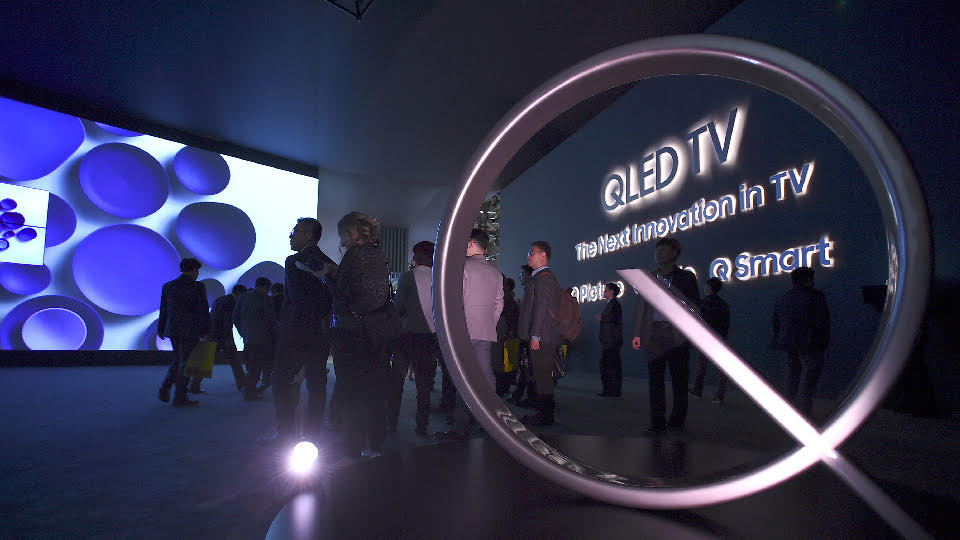 This new Quantum Dot technology from Samsung makes a play on the OLED lettering but without the OLED technology... Read More
TV REVIEWS |
|
|
SONY XBR-55X900F |
 |
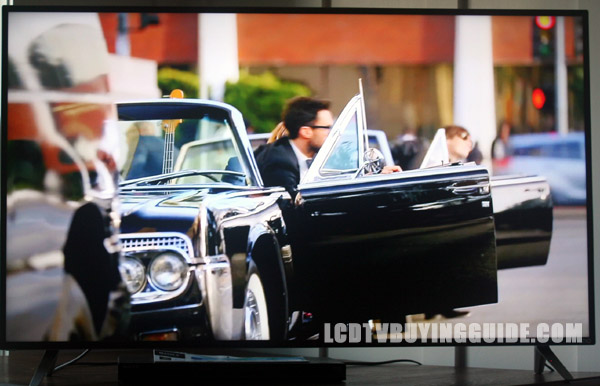 Best 4K TV Shootout Comparison, Samsung vs. Sony vs. Vizio
All three of our contenders for this years shootout are hugely popular and best sellers in the mid-range 4K UHD market for this year and into 2016. We've compiled a list of what we think are the most important differentiating factors in testing the quality of these 2015/2016 4K UHD TVs Read More...
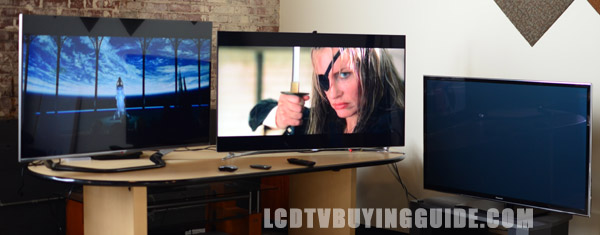 Best HDTV Shootout Comparison, Samsung vs. LG vs. Vizio
It's always fun to compare different levels of TVs to find out how much the more expensive and lesser expensive HDTVs differ in quality and features. The 3 models listed in this article are sure to be some of the most popular models of 2014 and early 2015. Read More...
TV ARTICLES |
|
3 Steps To Prevent Burn-in Best OLED TVs for the Year OLED TV Reviews SUHD TV (Samsung) vs. UHD 4K TV vs. OLED TV (LG) High Definition (HD) TV 1080p vs. Ultra High Definition (UHD) TV 4320p What is Android TV? What Makes an UHD TV an SUHD TV? Samsung's Nano Crystal Technology vs. Quantum Dot QD TV: What is it? Quantum Dot vs. OLED TV Smart TV Review Shootout; Samsung, Sony, Panasonic, LG, Sharp Internet TVs Reviewed TV Screen Size Comparison - How Much Bigger is it Really? LED TV vs. LCD TV LED TV Picture Screen Uniformity Problems and Solutions Considerations when Buying an LED Television, What to Look for Value Considerations about Price and 120Hz, 240Hz: What does it mean? LCD TV Response Time: Why it's Important How to Calibrate Your LCD TV
|
 First, if you have already purchased an OLED TV dont reach for the return item panic button. Second, if you have not yet purchased an OLED TV but were thinking about it, do not let the “burn in” image retention deter you.
 OLED TV technology is fantastic. LG leads the way with several OLED offerings for the year. Tune in to our list of the best current OLED TV offerings...
 Follow this link to see the latest reviewed OLED TVs...
 Comparing the new Samsung SUHD TVs to LG's new OLED 4K TVs, let's get the technical aspects out of the way first. OLED 4K UHD TVs do not have an LED backlight. Instead, OLEDs (organic light emitting diodes) are each lit...
 Several manufacturers are pushing the ultra definition UHD TV resolutions for this year. Whether or not these will just be prototypes or the televisions and displays will come to market remains to be seen...
 Several manufacturers including Sony and Sharp are touting the new Android TV operating systems on their TVs for this year. The new Google Android Smart TV allows them to give up the Smart TV and Apps function to a company that does it better...
  It's SUHD! And the “S” stands for Super. Alright, here are the particulars on what makes an SUHD. First, there is a new color system used called DCI P3 which has a wider color gamut...
  QD TV is a new television technology that is taking many of its cues from OLED TV (organic light emitting diode) technology. It consists of extremely small light-emitting crystals...
  A summary of our findings with the Smart TV features and options available as well as operational excellence. We've also rated each manufacturer on their Smart TV suite on a scale of 1-10....
 Jack Burden illustrates how comparing the manufacturer's diagonal measurments can be misleading when comparing television sizes. How much bigger is a 55 inch over a 46 inch?
  The display screen on a LED is a liquid crystal display the same as it is on any other LCD TV. The main difference between the two lies with different backlighting techniques.
  Does one really need the latest and greatest features for a 32" TV? The answer to whether or not you need Internet TV capability or 120Hz rate or LED backlighting lies in...
  LCD and LED TV manufacturers often point out the hertz rate of their televisions in advertisements, find out what this means to you.
  One of the specs you'll see when researching an LCD TV is response time. This represents the amount of time it takes for one pixel to go from active to inactive and back
  Factory settings on TVs are almost always tweaked to maximum brightness and contrast and are enabled with image "edge enhancement" features as well.